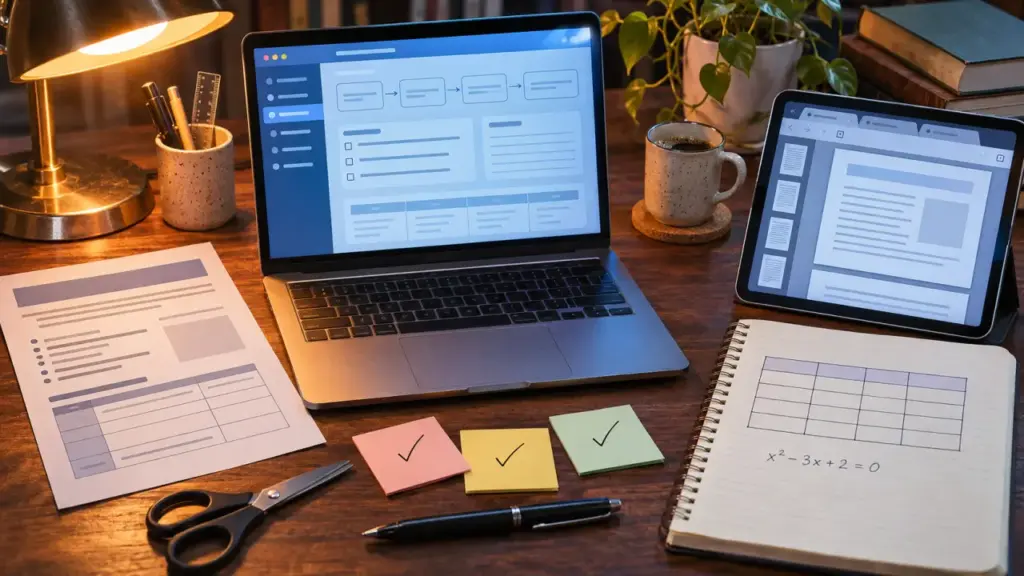
Choose a study guide maker that turns your course materials into editable outlines and practice questions, not just shorter text. For exam preparation, look for a tool that preserves important details, lets you check answers against your notes, and makes self-testing straightforward.
AI can organize PDFs, lecture slides, and class notes, but file support and output quality vary. Test one representative chapter before committing your entire course or paying for a subscription. That small trial can show whether the tool fits your study routine and handles your materials well.
Match the tool to the way you already study
A study guide maker organizes source material into key concepts, explanations, and revision activities. An AI-powered version generates that structure from uploaded or pasted content. The main choice is whether you need a quick, standalone guide or an ongoing system for notes and review.
| Tool type | Best fit | What to check |
|---|---|---|
| Dedicated AI guide generator | Turning a chapter or lecture into a revision pack | Source references, editing, and upload limits |
| Integrated note-taking and study app | Keeping notes, flashcards, and review together | Learning curve and organization tools |
| General-purpose AI assistant | Flexible formatting and custom instructions | Document handling and answer verification |
| Manual document template | Small workloads or sensitive materials | Time needed to organize and update content |
Quizlet and RemNote are options to investigate for study-focused workflows; Flint also offers an AI study guide maker. Treat them as starting points, not interchangeable recommendations. Check each product’s current features, account requirements, and plan restrictions before choosing. A tool that generates summaries but cannot create useful quizzes may not suit someone who learns through practice questions.
Choose the option that avoids duplicate work. If moving generated flashcards into your existing study app takes extensive cleanup, an integrated workflow may be worth the extra setup. If you only need to prepare one chapter, a simpler generator or document template may be enough.
Test your hardest file before uploading everything
Typed notes are usually the simplest starting point. Depending on the product, inputs may include pasted text, PDFs, Word documents, presentations, Google Drive imports, or photos of handwritten notes. Do not assume every tool supports every format, or that all formats work equally well.
Use a sample containing features likely to cause problems, such as a table, diagram, equation, or handwritten annotation. A readable-looking upload does not guarantee that the underlying content was extracted correctly. Compare a few details in the generated guide with the original file.
- PDFs: Check whether text is selectable or whether the document needs optical character recognition.
- Lecture slides: Include speaker notes when slide headings alone lack explanation.
- Handwriting: Use clear, evenly lit images and inspect recognized terminology.
- Mixed-language notes: Specify the output language and identify technical terms that should remain unchanged.
Keep the syllabus or learning objectives alongside your notes. They help define what belongs in the guide, especially when a large reading includes material outside the exam scope. You can ask the tool to organize the output around those objectives, then check whether each one appears. Avoid uploading personal records, confidential classroom information, or material you are not permitted to share.
Build a guide that makes you retrieve answers
A summary helps you navigate a topic, but rereading it is not the same as recalling information independently. Ask for a concise outline, explanations of difficult concepts, and questions with a separate answer key. Editable output matters because your instructor’s emphasis may differ from the AI’s interpretation.
Structure the guide so it has a topic map, explanations for difficult ideas, and questions that let you test your recall. Keep answers separate until you have attempted each question. Otherwise, the answer may be visible before you have a chance to retrieve it from memory.
For example, a biology note stating that enzymes lower activation energy could become a key-concept explanation, a flashcard asking what enzymes change, and a practice question asking whether they alter reaction equilibrium. The explanation supports understanding, while the flashcard and question provide different ways to practise recall and application.
Try this instruction:
“Use only the uploaded material. Organize the guide around these learning objectives. Preserve definitions and exceptions. Create recall questions and application questions, with answers in a separate section. Flag missing information and include page or slide references where possible.”
Review the generated questions before studying from them. If they simply repeat sentences from the notes, ask for application questions or follow-up prompts. Teachers can use the same workflow to draft a revision handout, but should check the wording and difficulty before sharing it with students.
Check accuracy where mistakes would change the answer
Fluent explanations are not proof of accuracy. AI may omit qualifications, merge separate ideas, or fill gaps with unsupported information. References make checking easier, but confirm that each cited passage supports the claim it is attached to.
Complex subjects need more than simplified definitions. In medicine, check contraindications and exceptions. In law, preserve jurisdiction and distinctions between rules. In engineering, verify units, assumptions, equations, and worked steps. A guide should support your course materials, not replace them or other authoritative references.
- Compare key definitions and formulas directly with the original material.
- Check at least one generated answer from each major topic.
- Look for omitted learning objectives and unsupported additions.
- Correct mistakes before exporting or sharing the guide.
If the tool repeatedly loses important detail, generate smaller, topic-based guides rather than one oversized document. Smaller sections also make it easier to trace a questionable answer back to its source.
Pay for a usable workflow, not a generation promise
Before subscribing, check document limits, generation allowances, editing controls, and whether quizzes or exports require a paid plan. Inspect privacy settings and deletion options, too. A free tier is useful for testing only if it lets you work with materials similar to the ones you actually need to study.
Complete one full cycle: upload, generate, verify, edit, practise, and export. Confirm that a PDF remains readable and that shared guides have suitable access controls. If you need flashcards in another app, check whether the export format keeps questions and answers separate.
Choose the tool that leaves you with accurate, reusable study materials and manageable cleanup. Fast generation is convenient, but the real test is whether the guide helps you practise and review with confidence.